MinRender
A lightweight render farm coordinator for small VFX teams and freelancers.
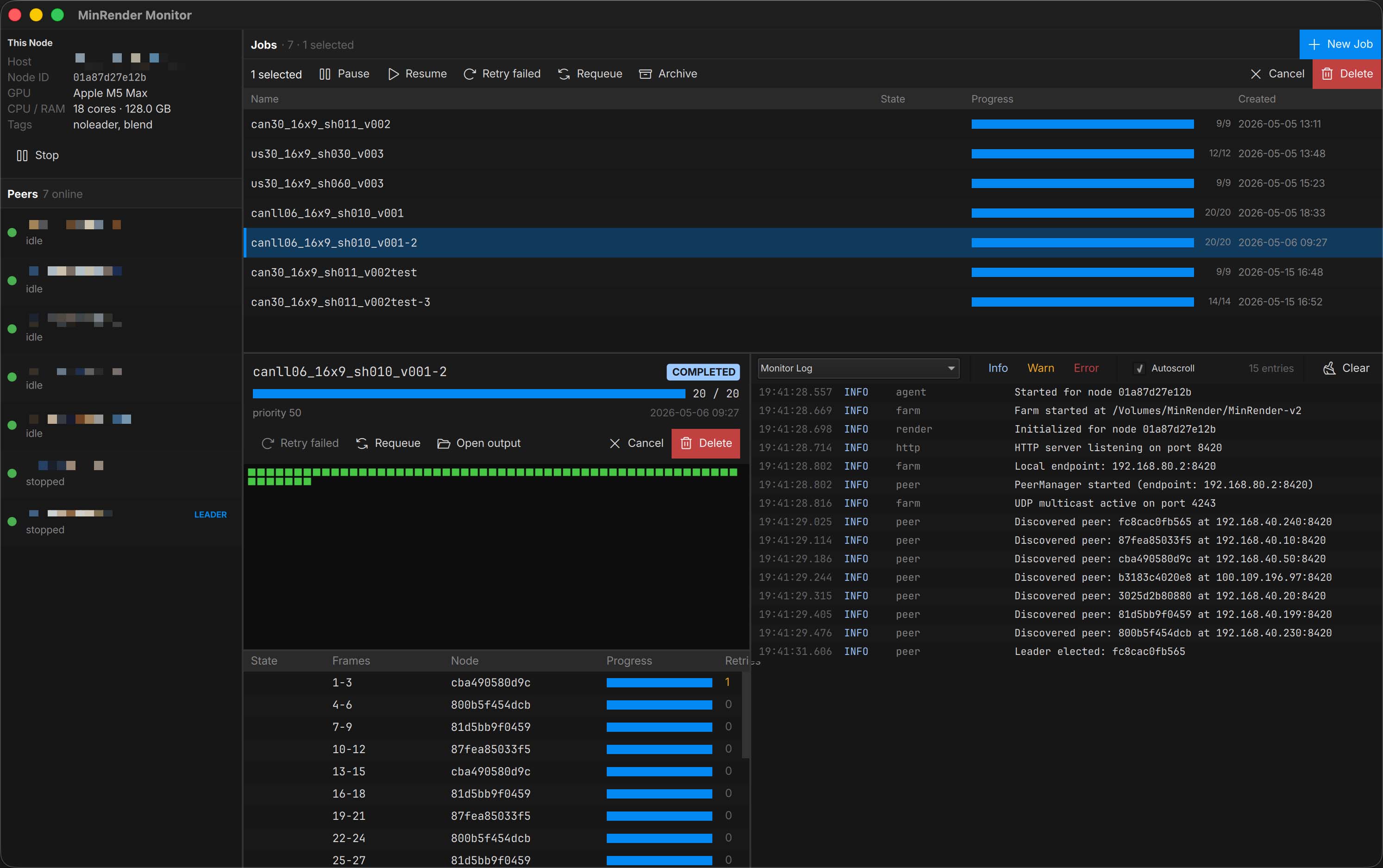
What it does
- Self-healing mesh — every node can act as coordinator. If the leader drops, another takes over automatically.
- DCC agnostic — JSON templates define how to launch any renderer. Ships with Blender, Cinema 4D, and After Effects templates + submission plugins.
- Simple setup — install, point every node at a shared folder, done.
- Fast discovery — UDP multicast for LAN, falls back to a file-system phonebook for VPNs and complex networks.
- HTTP coordination — job dispatch, progress tracking, and completion reporting over an HTTP mesh.
- Local staging — opt-in render-to-local-then-copy mode to prevent file corruption from cloud sync tools (Synology Drive, Dropbox, etc.).
- Live queue control — drag jobs to reorder the queue, change priority mid-flight, and cancel kills the renderer’s whole process tree on every node, instantly.
- Resilient — each node keeps a SQLite snapshot of the leader’s state. If the leader drops, a new one picks up where it left off. Worst case: frames rendered in the last 30 seconds get re-rendered.
- Semi cross-platform — Windows and macOS clients available.
Built with C++ (Qt 6 Quick / QML) and Rust.
Get going
- Install MinRender on every node.
- Configure your sync root, tags, and local staging.
- Submit a job from the Monitor or a DCC plugin.
- Watch it render.
For deeper customization, the job template reference covers how to wire up any command-line renderer.