Configure
Tags
Tags control which DCCs each node can render and influence leader election. Set them as comma-separated values in Settings → Tags (e.g. ae, blend, leader).
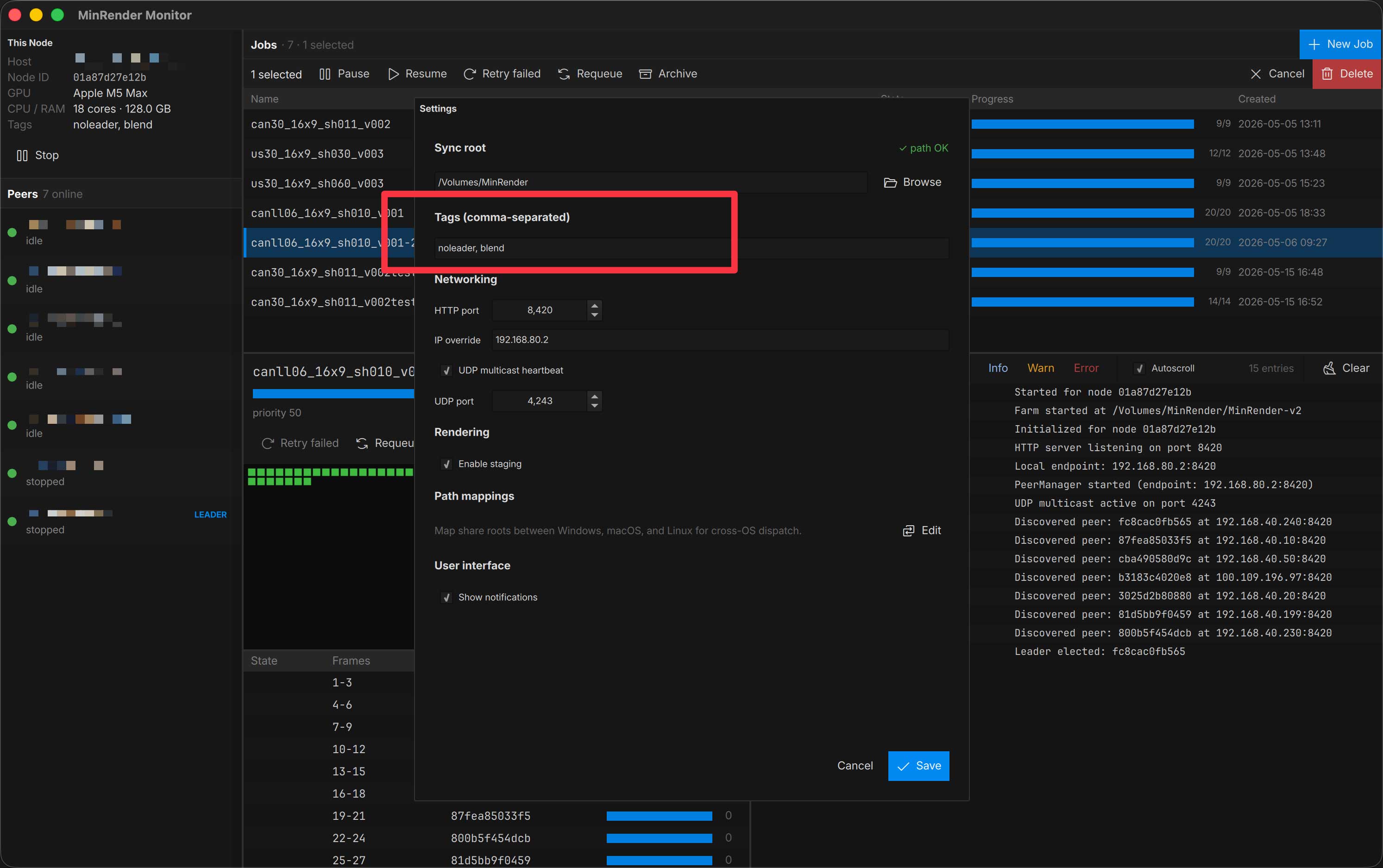
| Tag | Purpose |
|---|---|
ae | Enables After Effects rendering on this node. |
blend | Enables Blender rendering on this node. |
c4d | Enables Cinema 4D rendering on this node. |
leader | Forces leadership priority. The mesh prefers this node as coordinator, but falls back to others if it drops out. |
noleader | Prevents this node from becoming leader unless it’s the only one alive. |
Templates have a tags_required field — a node only picks up a job if it carries every tag the template demands. Default templates require their own DCC tag (blend, c4d, ae).
Local staging
If your sync root is a synced folder (LucidLink, Dropbox, Synology Drive, etc.) you should enable Settings → Enable staging. With it on, MinRender renders into a temp directory under %localappdata%\MinRender and only copies finished chunks into the sync root. This avoids the classic file-contention issues those services cause when many machines write to the same path at once.
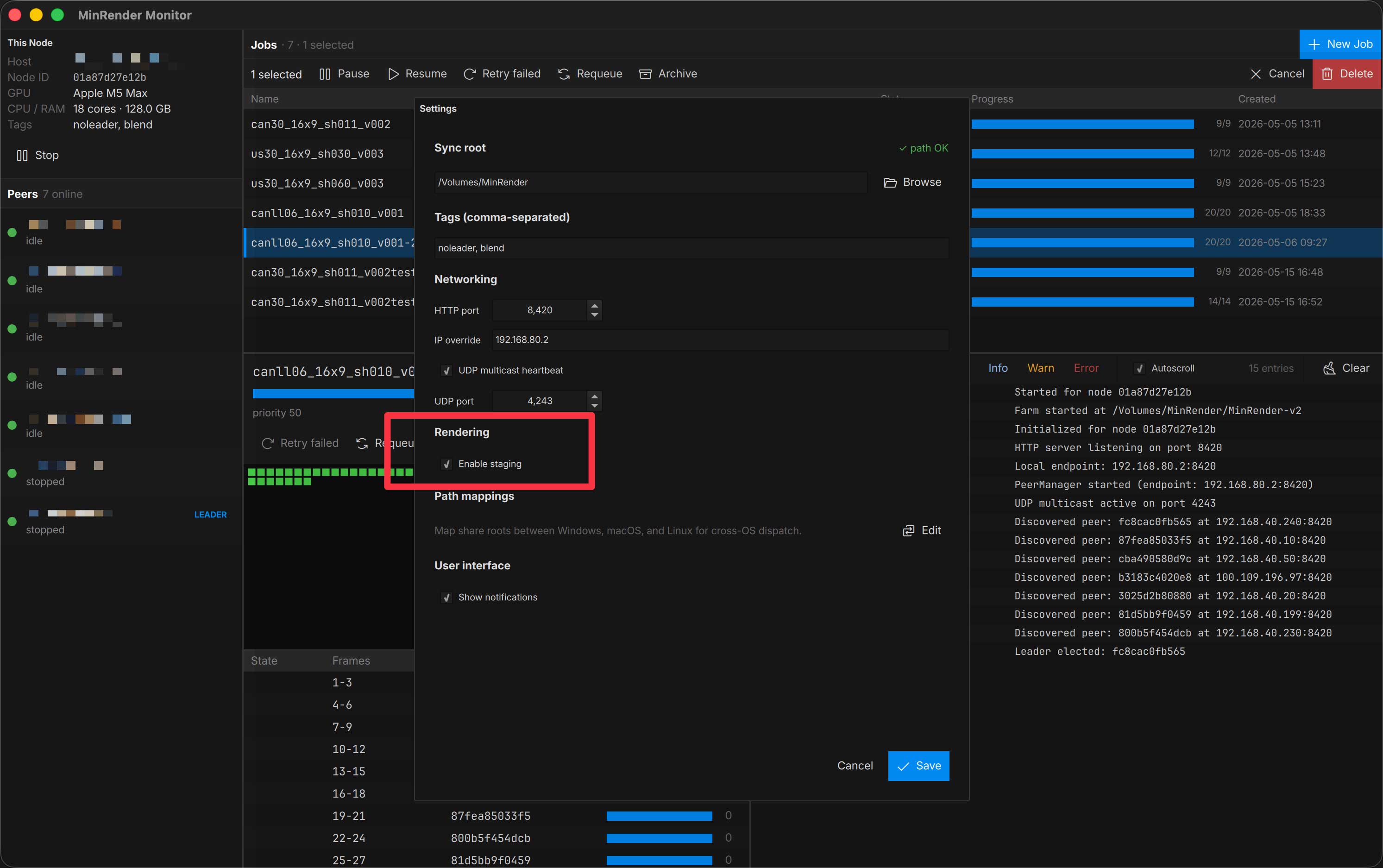
Leave it off if your sync root is a real SMB share — staging adds an extra copy that isn’t doing useful work.
Minimize to tray
Closing the Monitor window minimizes it to the system tray rather than quitting.
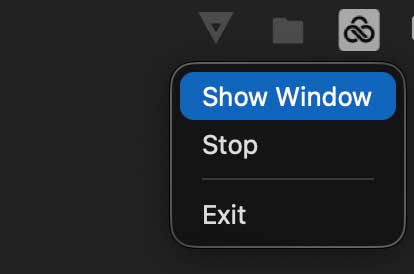
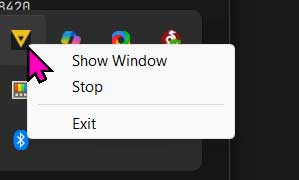
To actually quit, use File → Exit or the tray menu’s Exit item.
Next
Submit a job from the Monitor or a DCC plugin.